Every feature, in depth
Cartigraph is built around one question: is it actually getting better? Snapshot how your track sounds now, keep working, then compare against where you were, always loudness-matched, so you're hearing real change instead of just a louder version. Everything else (reference, deep analysis, a full finishing chain) surrounds that loop. Here's the full tour.
Version control for how your mix sounds
This is the heart of Cartigraph. Freeze how your track sounds at any moment, keep working, then put that snapshot up against your current mix, always loudness-matched. It's the difference between thinking you improved it and knowing you did.
Freeze a moment. Compare it for real.
Freeze up to 3 minutes of any section of your mix (no bouncing, no re-importing) and keep up to 32 snapshots stored with your DAW session. Pull any of them up against your current mix or a reference and A/B in real time. A mastering engineer can run the finished master against the untouched snapshot as it plays; a mix engineer can check this pass against the last one; a producer can hear exactly what a change actually did.
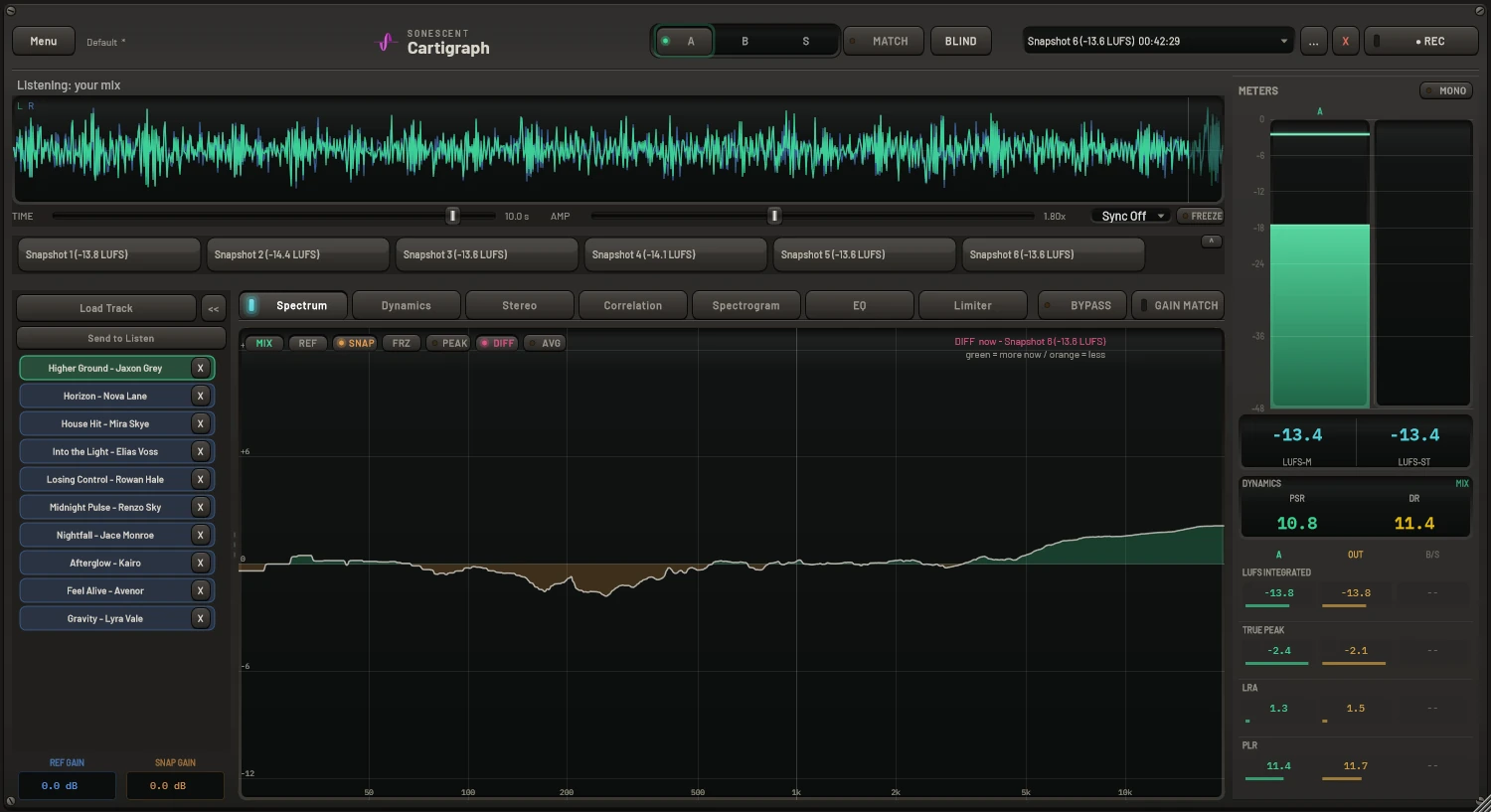
Your favourite plugins, inside Cartigraph's measurement
Click EXT and the processing section flips to an eight-slot rack that hosts your own VST3 plugins. Everything around it (snapshots, reference comparison, gain-matched bypass, Blind Compare) keeps working exactly the same, whoever's processing is in the middle.
Replace the chain, or combine both
Three modes: REPLACE CHAIN hands the whole processing section to your plugins. BEFORE CHAIN and AFTER CHAIN run both engines in series: EQ in Cartigraph and finish with your favourite limiter, or drive a third-party saturator into Cartigraph's mastering chain. Latency is reported to your DAW exactly, and dither still runs last. The controls stay honest too: EXT shows the rack, the rack's own ON/OFF runs it, so you can stage a chain in silence and bring it in at once.
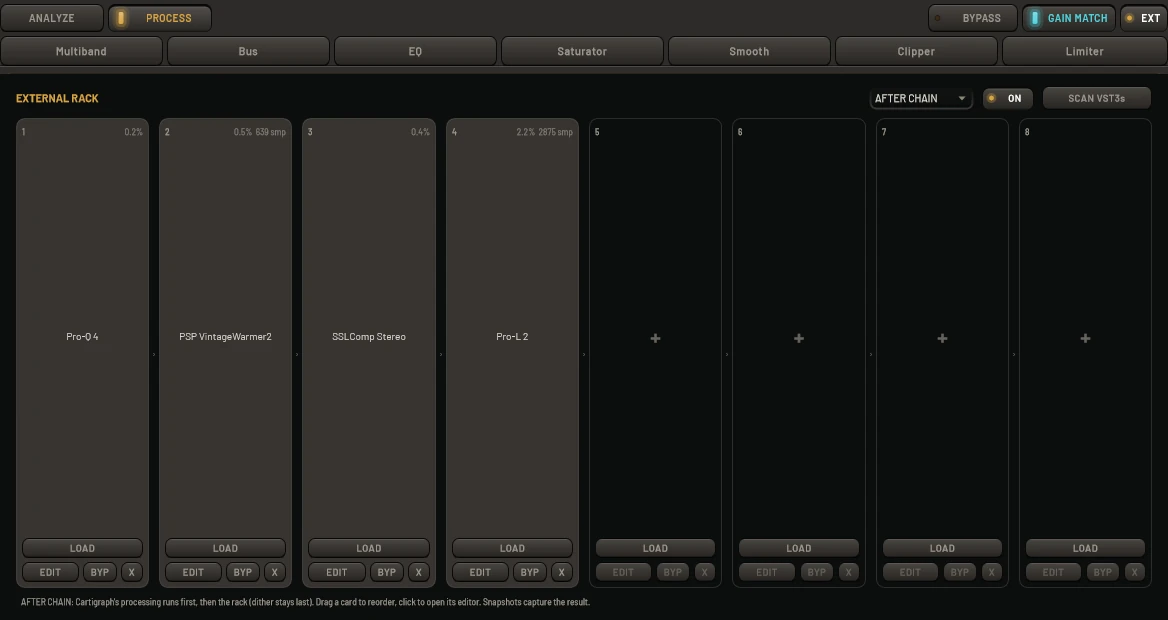
The before/after you can trust, for any plugin
BYPASS stays sample-aligned and GAIN MATCH drops the processed output to the raw mix's loudness, so you judge what a plugin does, not how loud it makes things. It's the same honest A/B Cartigraph applies to its own processing, now wrapped around anything you own.
The plugin shootout
Master with Cartigraph's chain and record a snapshot. Flip to the rack and build the same intent with your third-party chain. Then Blind Compare: loudness-matched, label-free, your ears against the labels. Whichever wins, you learn something true.
Built like a host should be
Scanning probes every plugin in a separate worker process, so a badly-behaved plugin can't take your DAW down, and the list is remembered so you scan once. Type to search, drag cards to reorder the chain, drop a .vst3 straight from Explorer, and watch each slot's CPU and latency live. Sessions restore every guest with its exact settings; a plugin missing on another machine is preserved, not lost.
Your mix on your phone, seconds after you touch it
Every license includes Cartigraph Listen: a private listening library that syncs straight from the plugin to your phone. No bouncing to a folder, no AirDrop, no Dropbox link.
Send a snapshot, or the whole song
In the snapshot … menu, Send Snapshot to Listen uploads the snapshot you're working with. Send Audio File to Listen… takes anything you've exported from your DAW (WAV, AIFF, FLAC, OGG, or MP3, up to roughly 15 minutes of stereo), so a full song is one export away, and you don't need a snapshot at all.
It's waiting before you pick up your phone
Audio is encoded to lossless FLAC and uploaded in the background; the status line under the meters reads Sending…, then Sent. Open sonescent.com/listen and it's already there. New uploads appear on their own within seconds; nothing to refresh, nothing to sync by hand.
Sign in once, then forget about it
Enter the email on your license and tap the link that lands in your inbox. You stay signed in for 30 days, and the session quietly renews itself every time you use it. Add the page to your home screen and it opens like an app from then on. Or get the native app: Cartigraph Listen on the App Store signs in with your license key and adds Compare and Blind Test on the phone. Android is coming.
Hear it on the systems that tell the truth
Earbuds, the car, the kitchen speaker: where you find out what your mix actually does. Your library keeps a rolling window of the 30 most recent uploads, so older ones fall off by themselves and it never needs housekeeping. Everything is lossless end to end and private to your license. Uploads are tied to a key, so the free trial comes with a trial key by email: paste it into Settings and Listen works for the length of your trial, with room for five uploads. Buy with the same email and everything you sent stays in your library.
For producers, mixers, and mastering engineers who don't want to guess.
Cartigraph lets you snapshot, compare, and loudness-match every version of your track, so you can judge what actually changed, not just what got louder.
The producer
You want to know if the track is actually getting better. Capture a rough idea, push the sound or arrangement, then compare it instantly against where you started: no guessing, no second-guessing, and no "I think this is better."
The mix engineer
You need proof that the mix is moving in the right direction. Use snapshots, dynamic EQ views, spectrum overlays, and reference comparisons to hear what changed, identify what still needs work, and confirm every move against your last pass.
The mastering engineer
You need to compare the finished master against the unmastered mix without being fooled by level. Cartigraph keeps the comparison loudness-matched in real time, so you can judge tone, width, punch, and translation, not just volume.
Judge your mix against pro tracks and your past self
Switch between your live mix, a reference, and a saved snapshot in one keystroke, always loudness-matched so you're hearing tone, not volume.
Loudness & dynamics over time
Short-term LUFS plotted across the whole track, plus per-band level for mix, reference, and snapshot together. Confirm your drop actually hits harder than the build, and see where your dynamics differ from the track you're chasing.
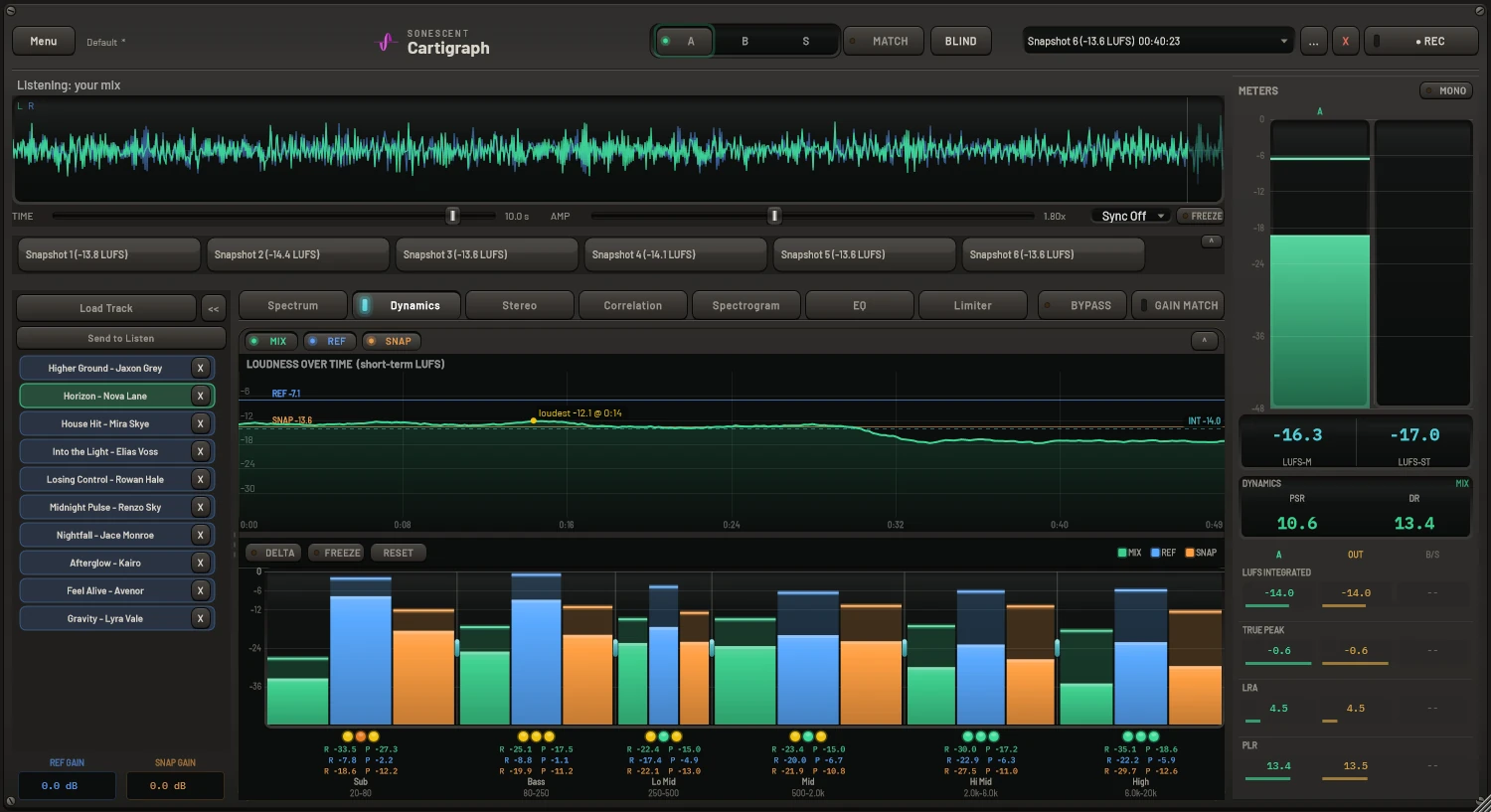
Mix vs. reference vs. snapshot, overlaid
All three spectra at once in colour-coded channels: see exactly where your low end, mids, and air sit against your reference and your previous revision.
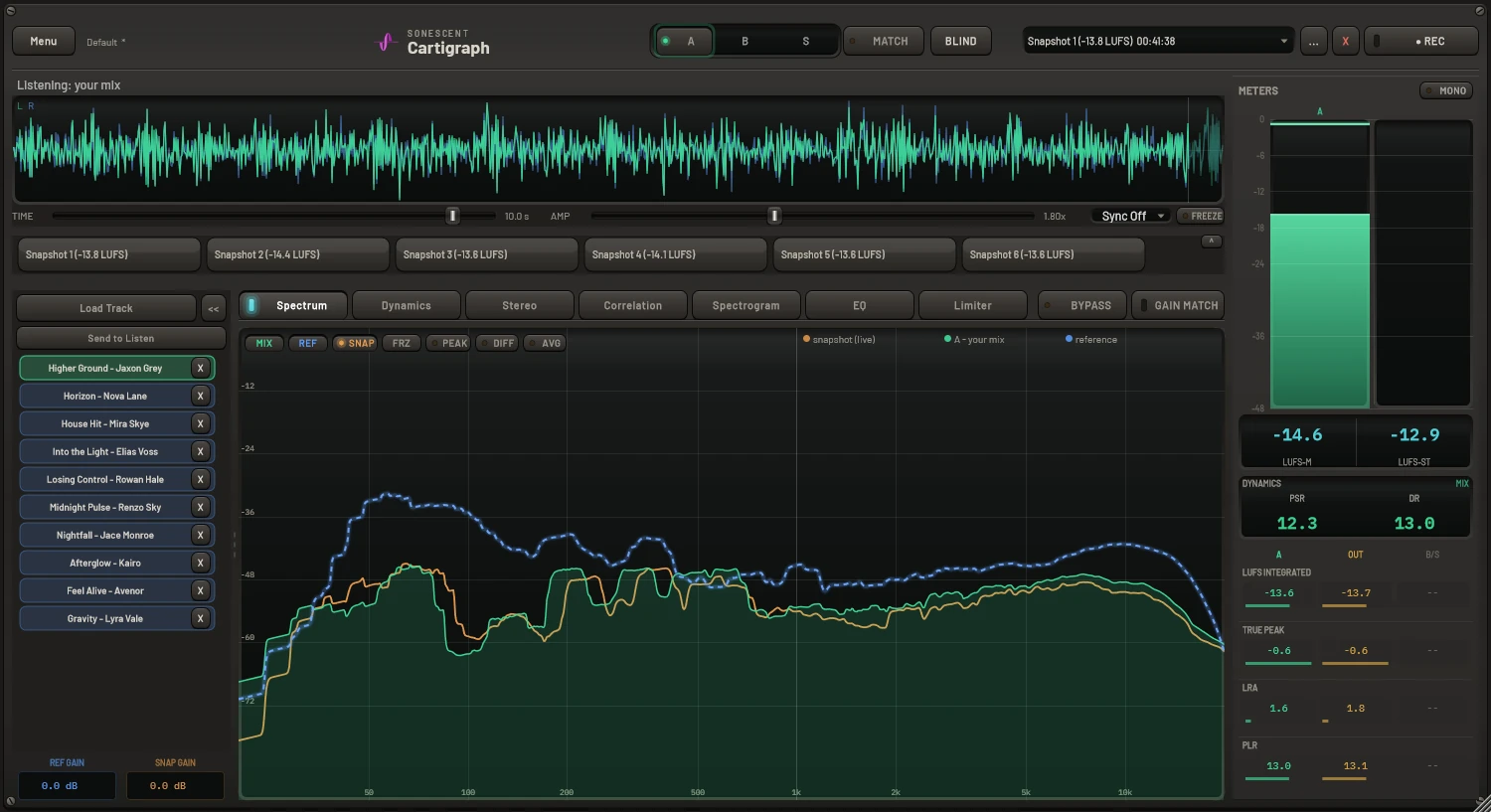
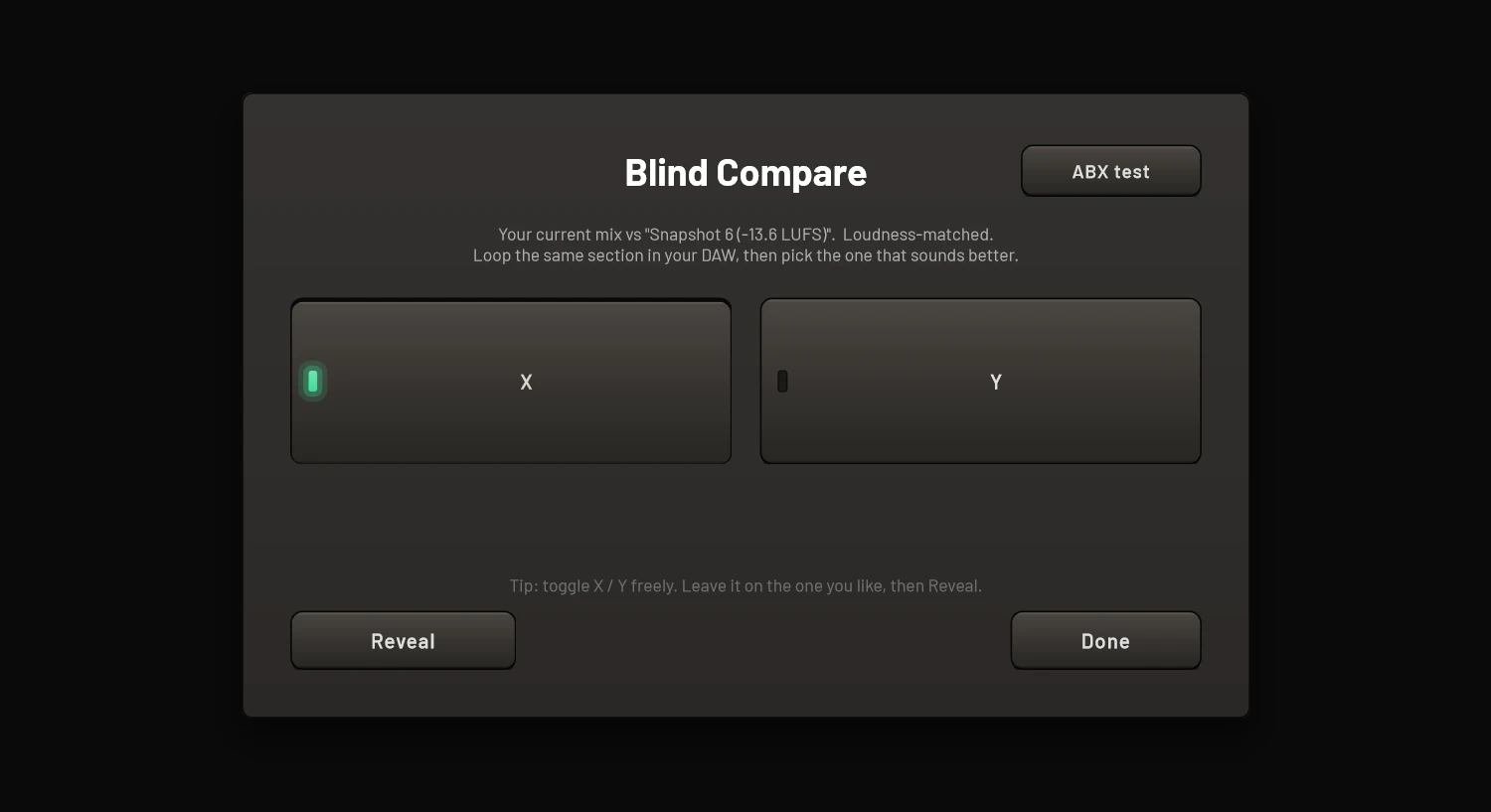
BLIND A/B
Hides which is which behind two unlabeled buttons. Pick the one that wins, then reveal. It kills the "louder = better" and "mine = better" bias that wrecks mix decisions.
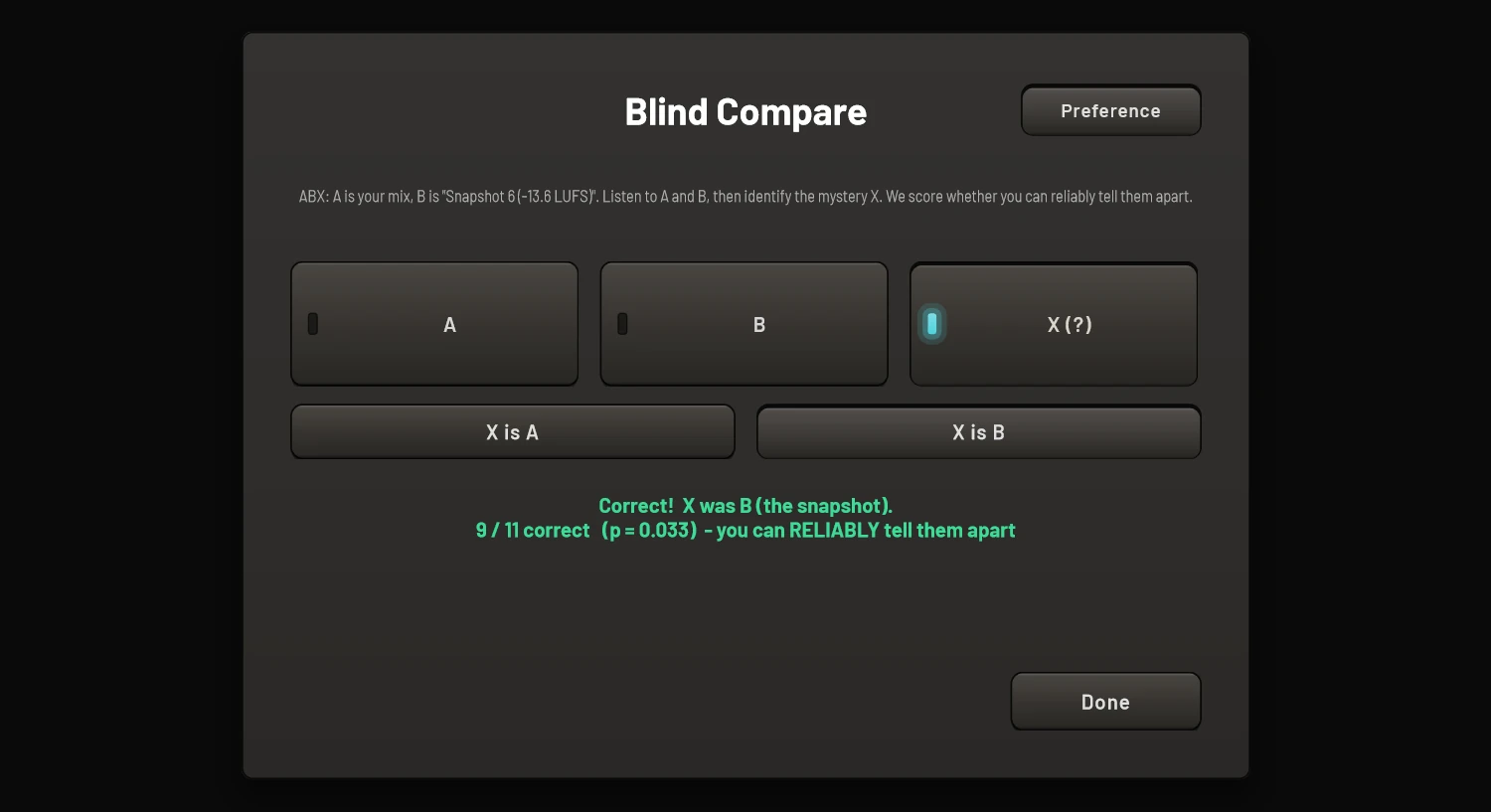
ABX significance testing
Runs a real statistical test and tells you whether you can actually hear the difference between two versions, or whether you're just guessing.
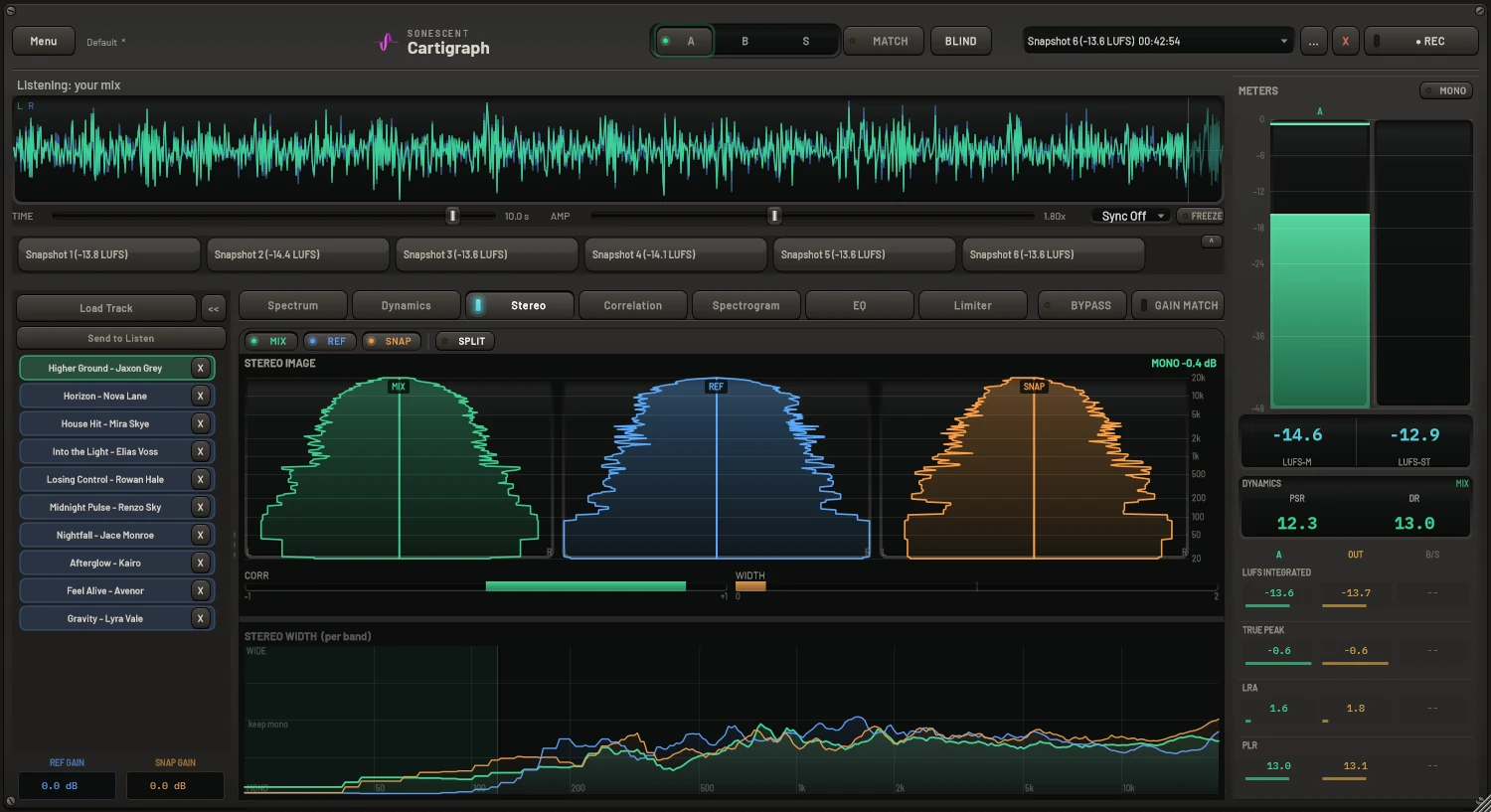
Five analysis views, all reference-aware
Every view overlays mix, reference, and snapshot in colour-coded channels.
Stereo image
Width per frequency band, so you can widen with intent and keep the low end mono.
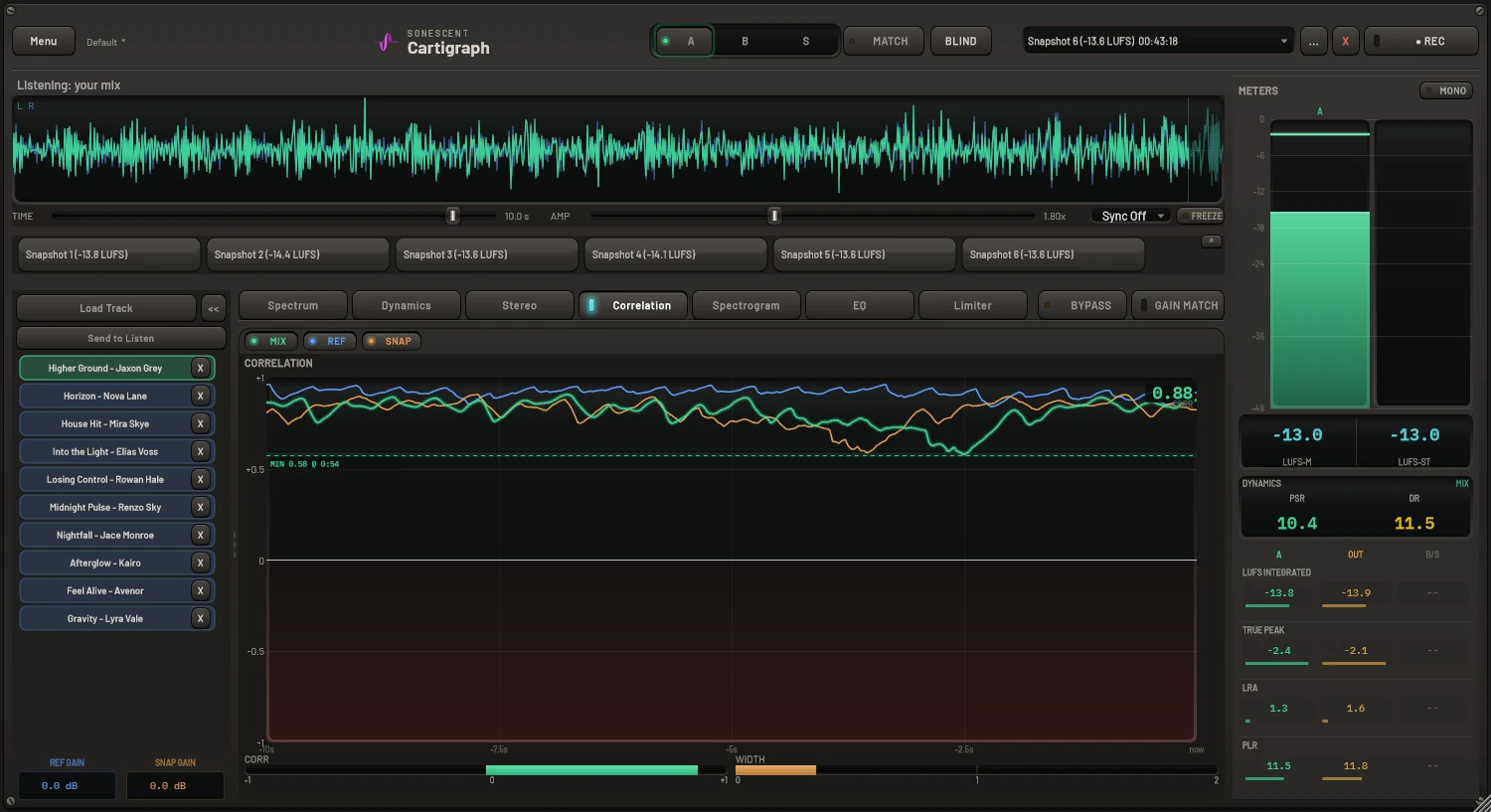
Correlation
Phase correlation over time for your mix, reference and snapshot, with the lowest point held: catch mono-compatibility problems before they reach the master.
Spectrogram
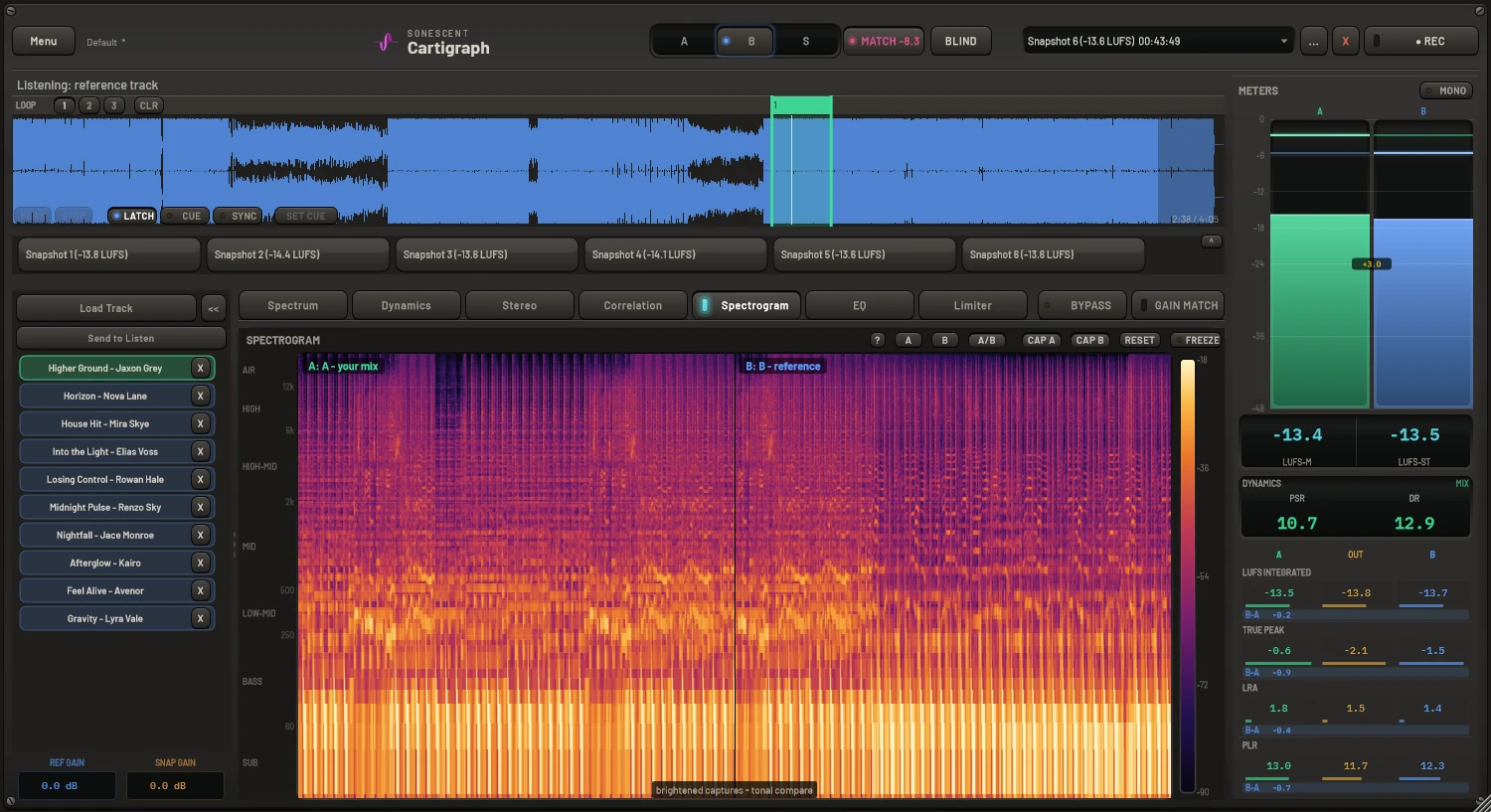
A full spectrogram of mix, reference, or snapshot: spot resonances, masking, and noise across the entire track.
Seven stages, drag-to-reorder, transparent until engaged
Leave it on the master bus all session as a pure analyzer, then engage the chain when you're ready to finish.
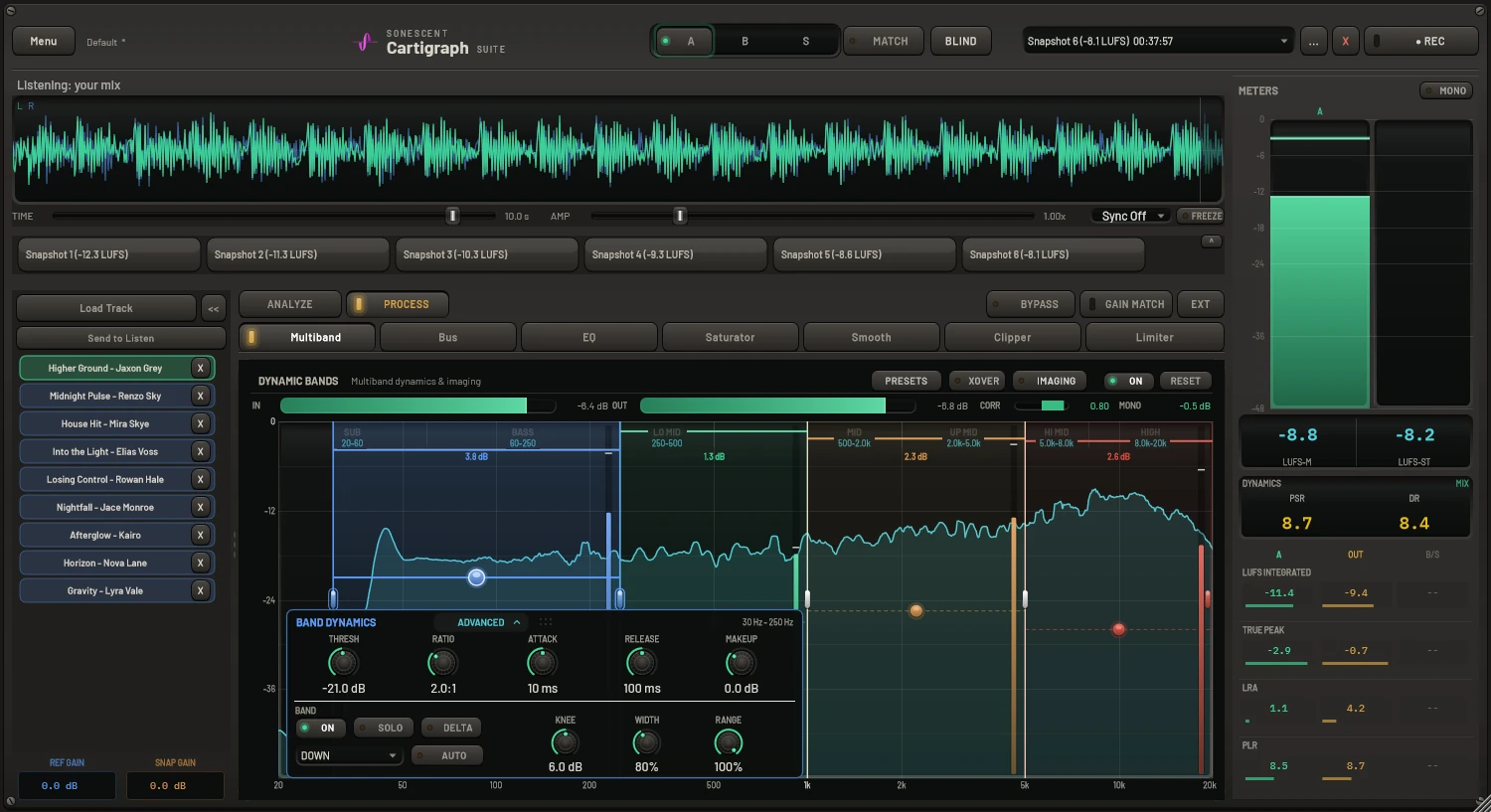
Dynamic multiband
Click the spectrum to drop a band that compresses only its own range. Up to 8 bands, with mono-maker, M/S solo, and a mono-safe width cap.
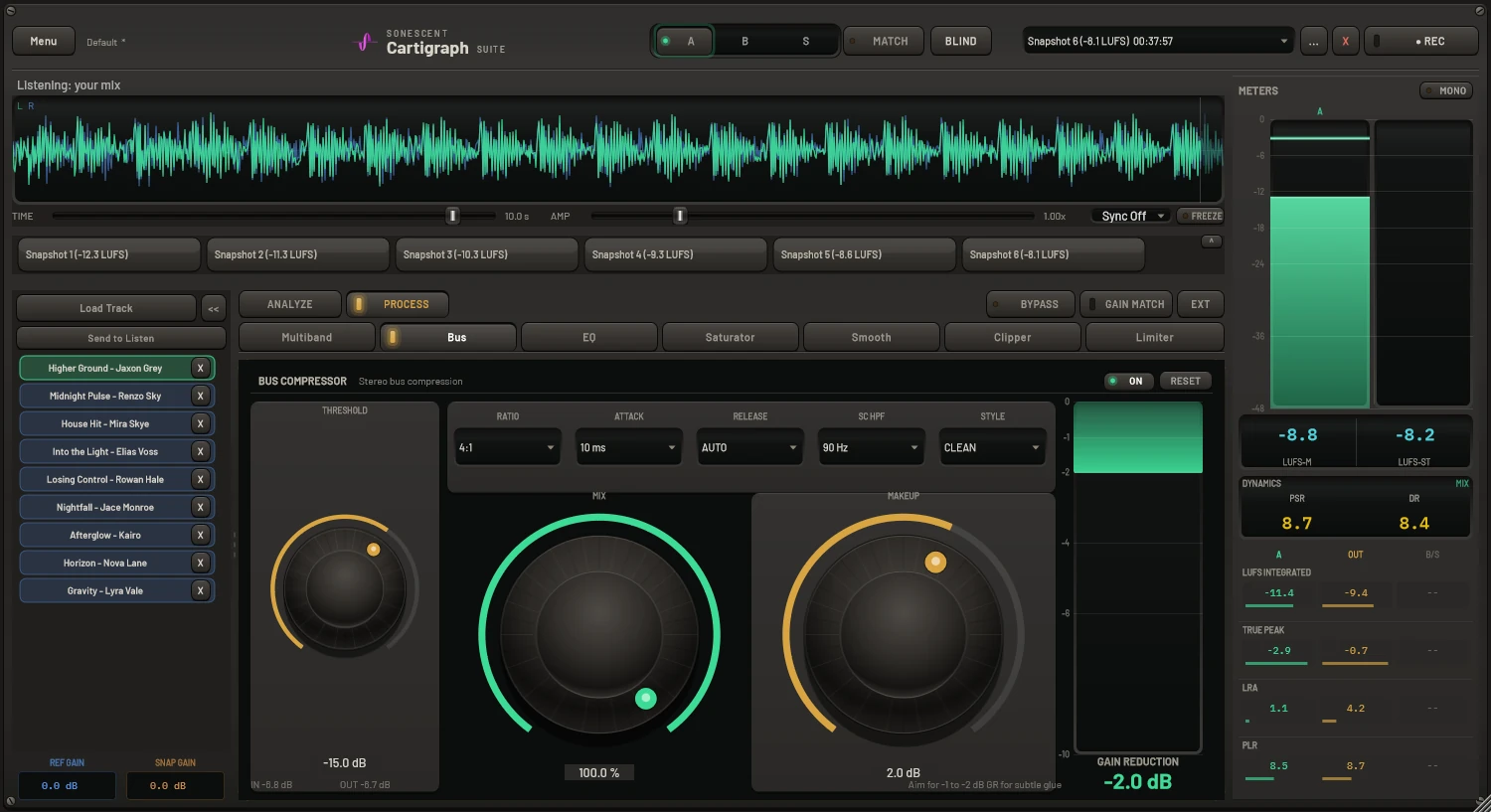
Glue (bus) compressor
Classic VCA bus compressor with side-chain high-pass, parallel mix, and switched ratios: glue without killing the kick.
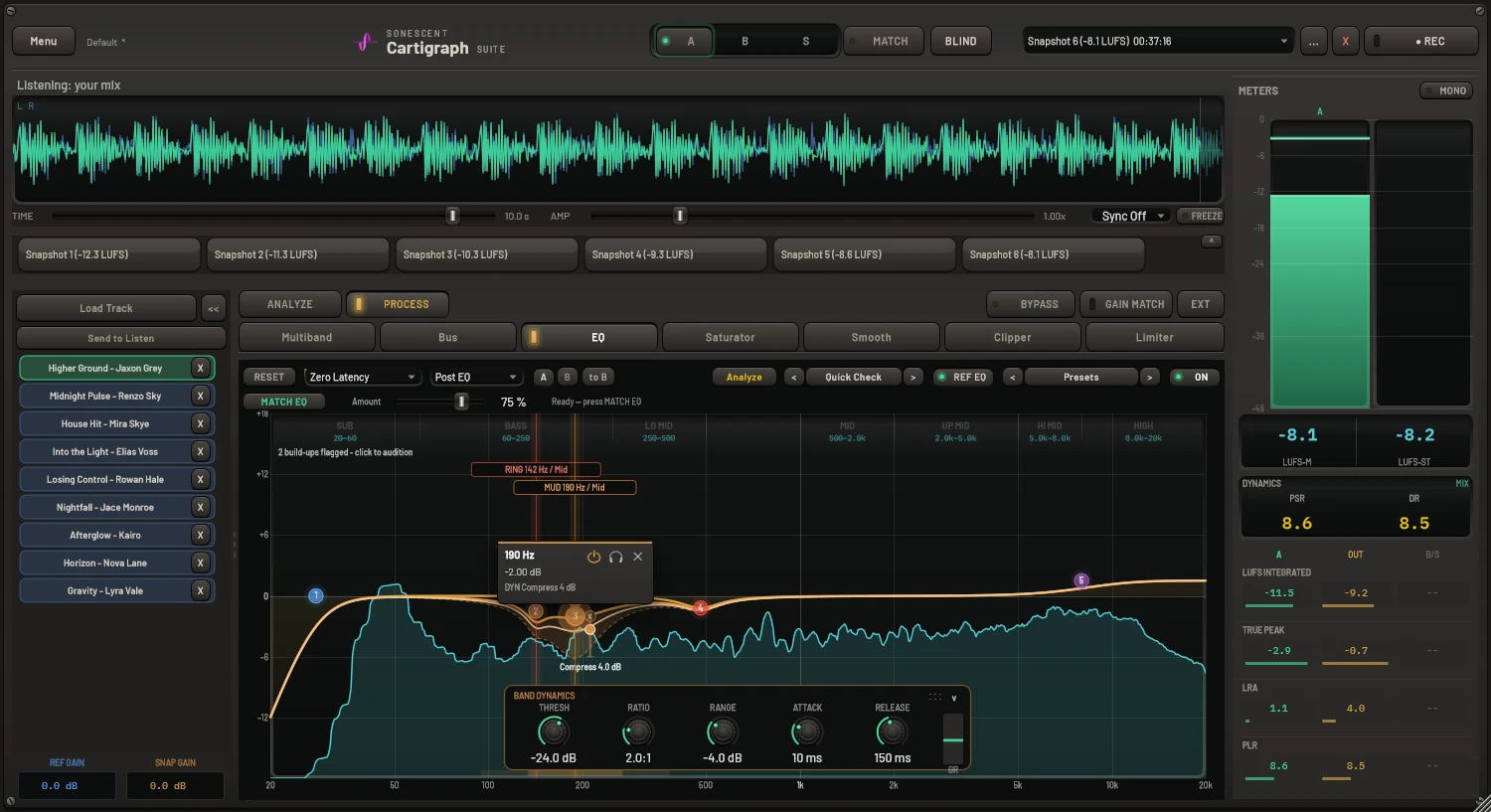
Dynamic EQ
Up to 24 bands that only move when the signal crosses a threshold, with per-band M/S/L/R placement and built-in resonance detection.
Saturator
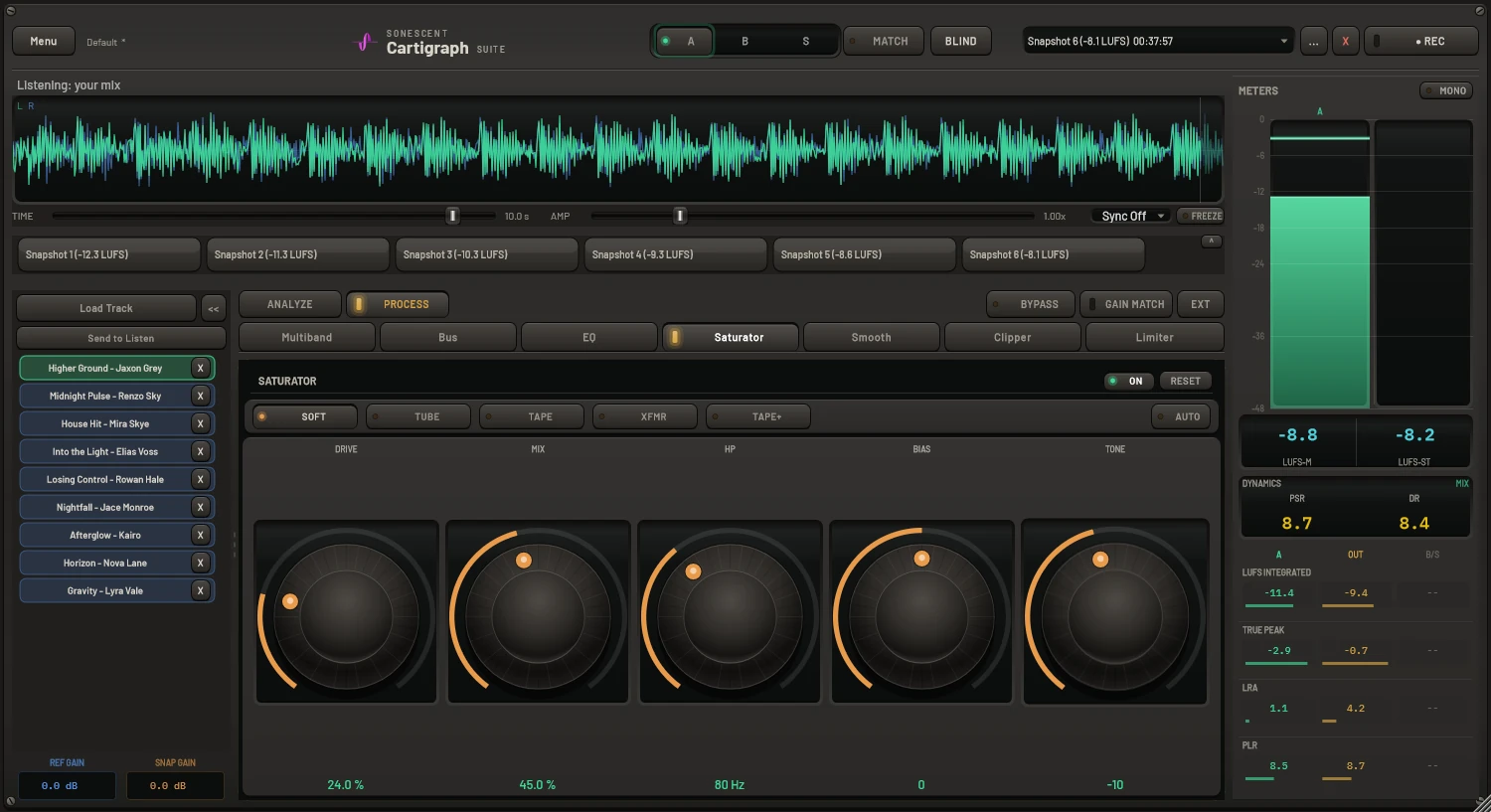
Soft, Tube, Tape, Transformer, and Tape Machine characters, with drive, mix, high-pass, bias, and tone. 4x oversampled.
Smooth
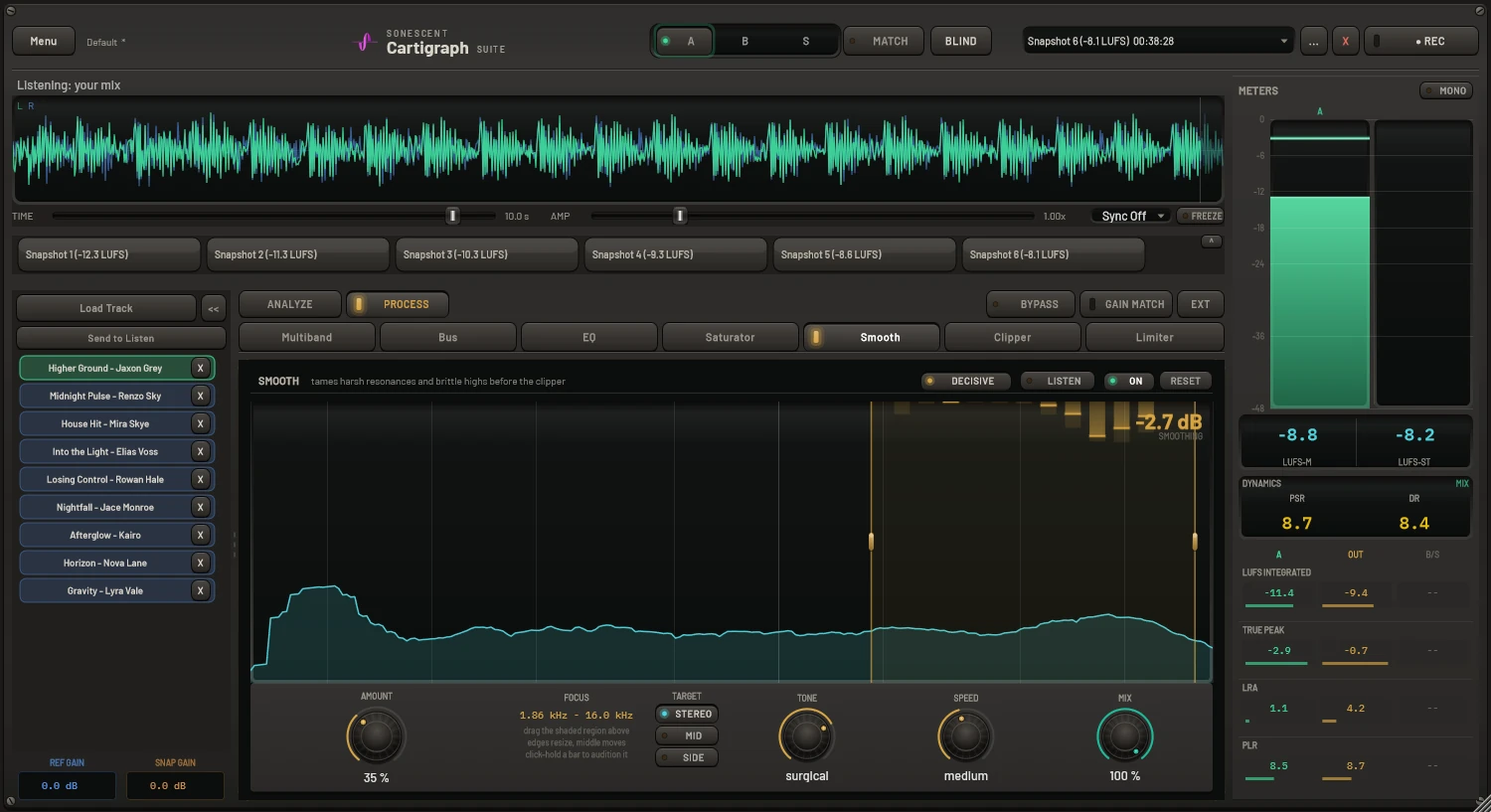
A 28-band dynamic resonance suppressor that tames harsh frequencies before the clipper emphasises them. Reduction is hard-capped at 12 dB per band, so it can't dull the master.
Clipper
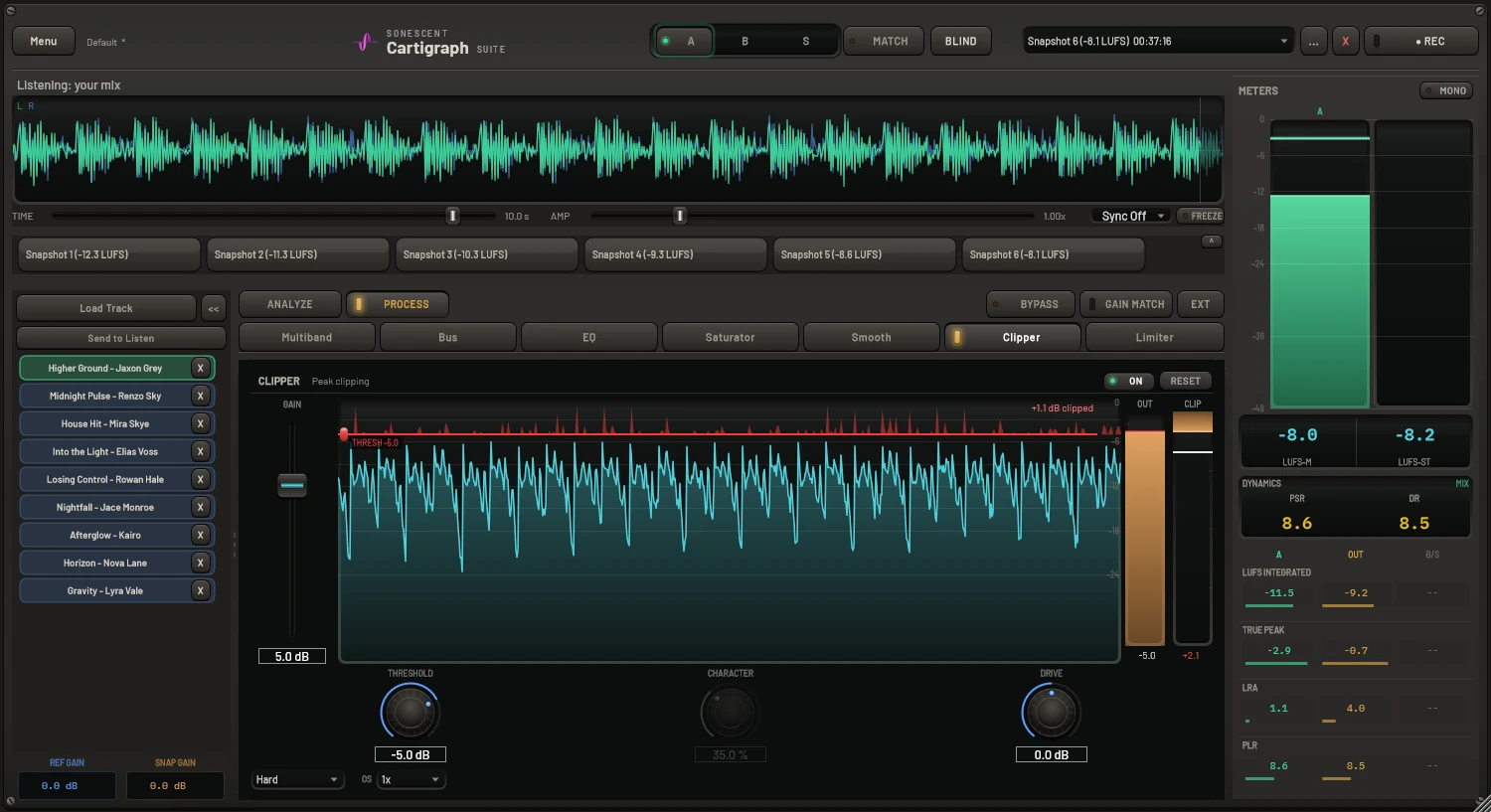
Transparent peak control ahead of the limiter: Soft, Hard, and Distort modes, a draggable threshold line, and up to 8x oversampling. Distort's CHARACTER knob sweeps clean to smashed and is level-compensated, so it changes the sound, not the volume.
True-peak limiter
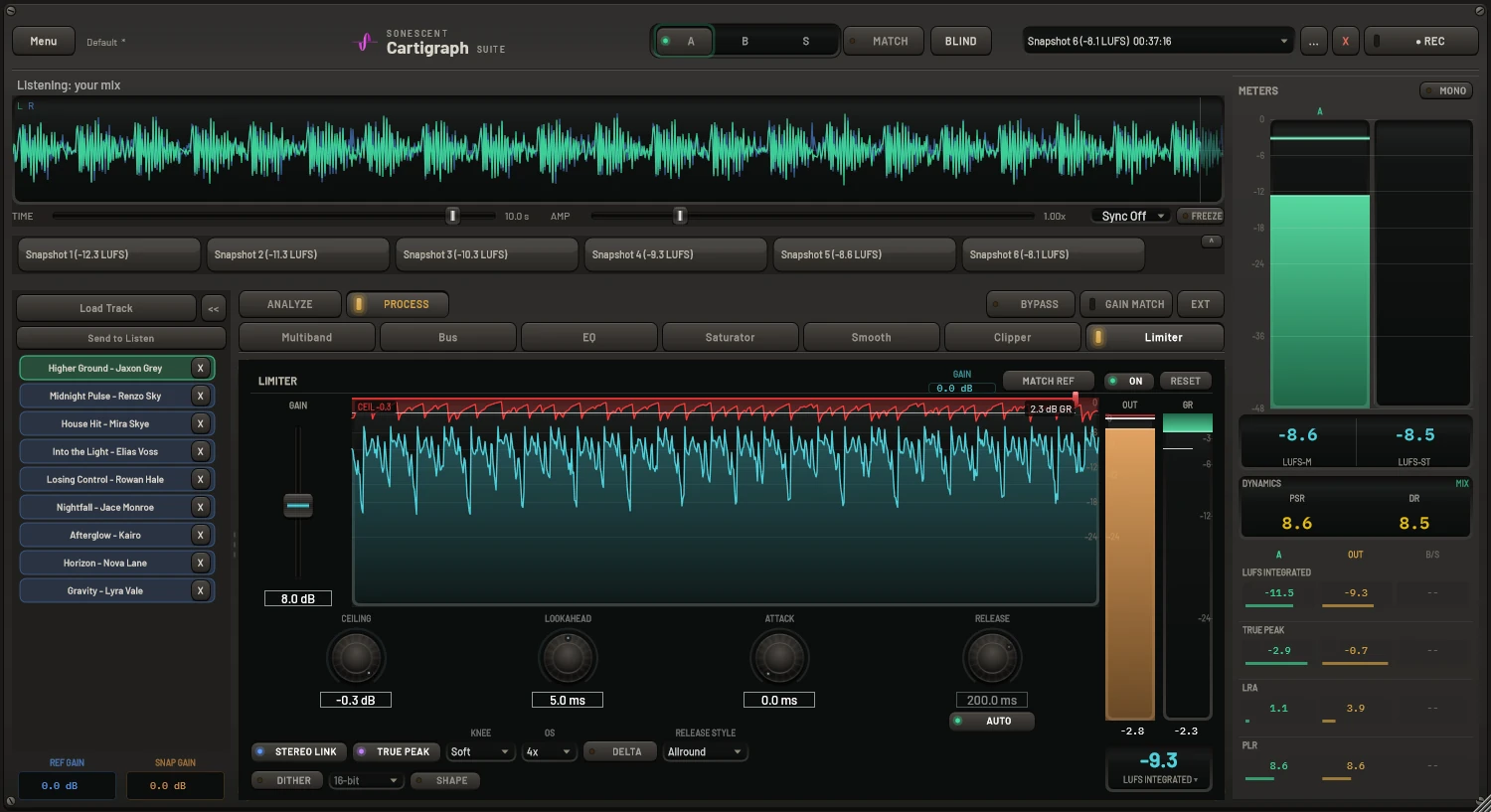
Brickwall limiter with lookahead, inter-sample peak handling, gain match, and reference loudness matching, plus dither on export.
Built for real sessions
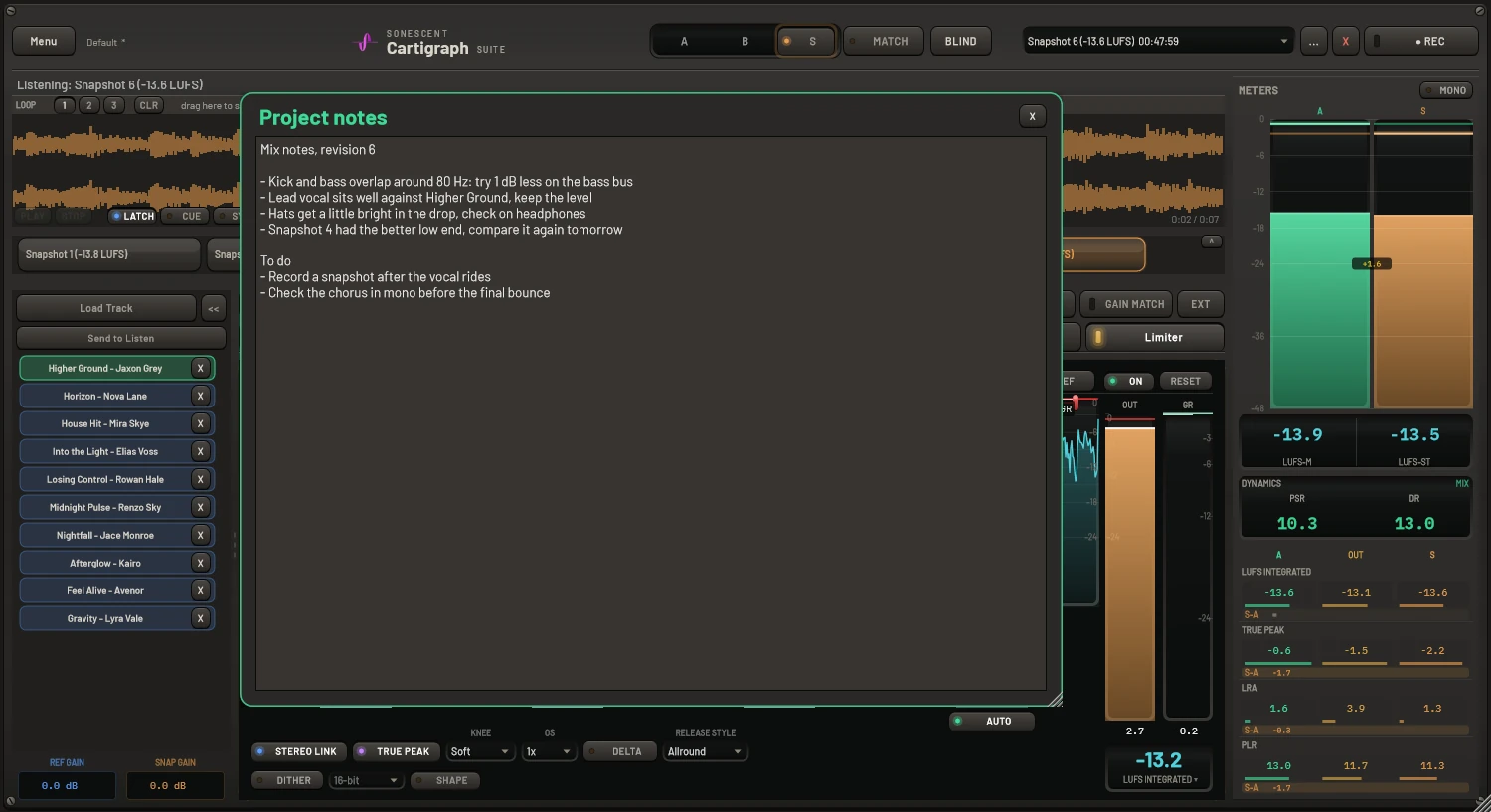
Project notes
Keep mix notes and to-dos right inside the plugin; they save with your project so they're there when you reopen it.
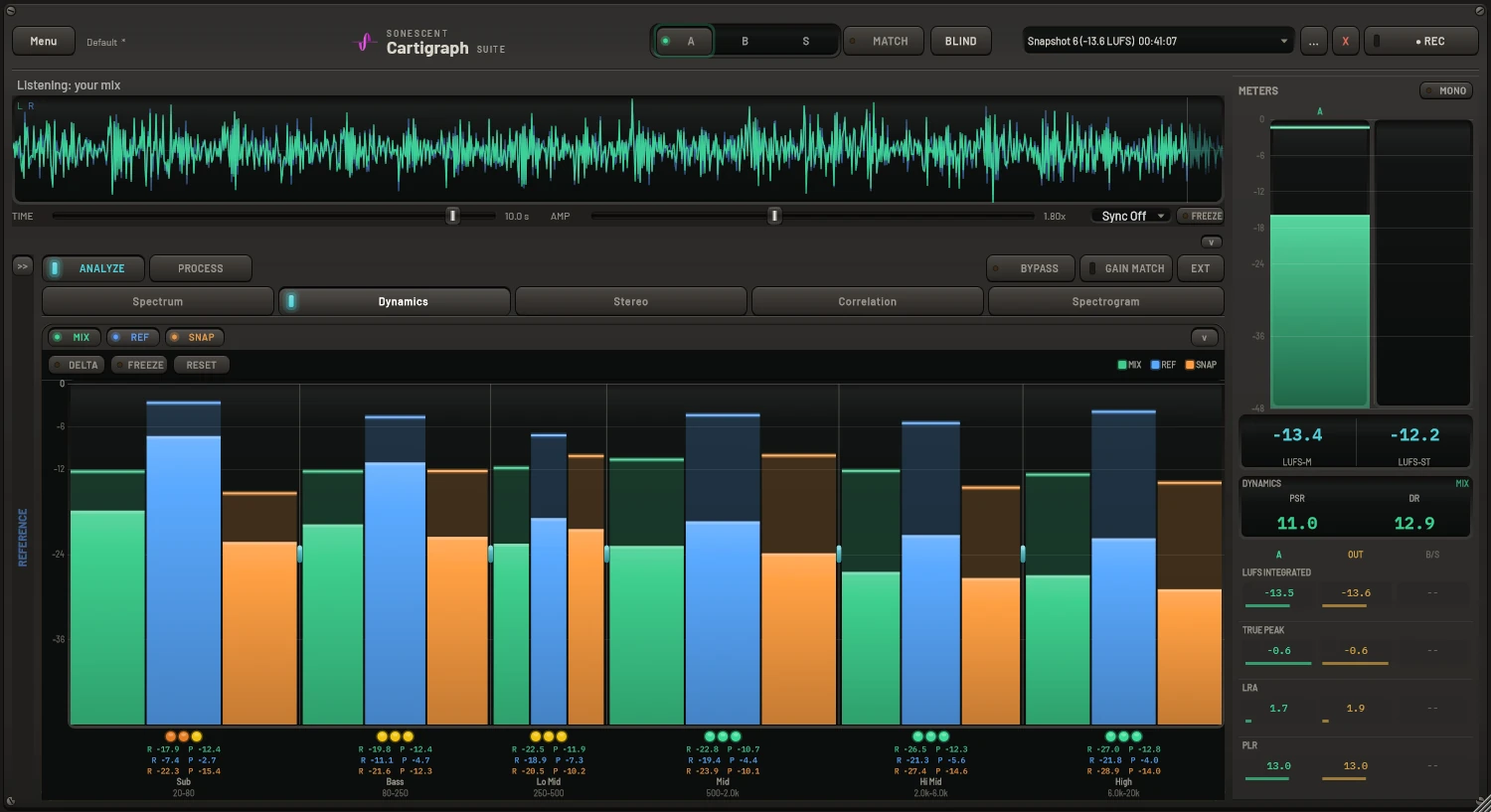
Fold what you don't need
Fold away the snapshot strip, the reference list and the loudness graph when you want more room for the view you are working in.
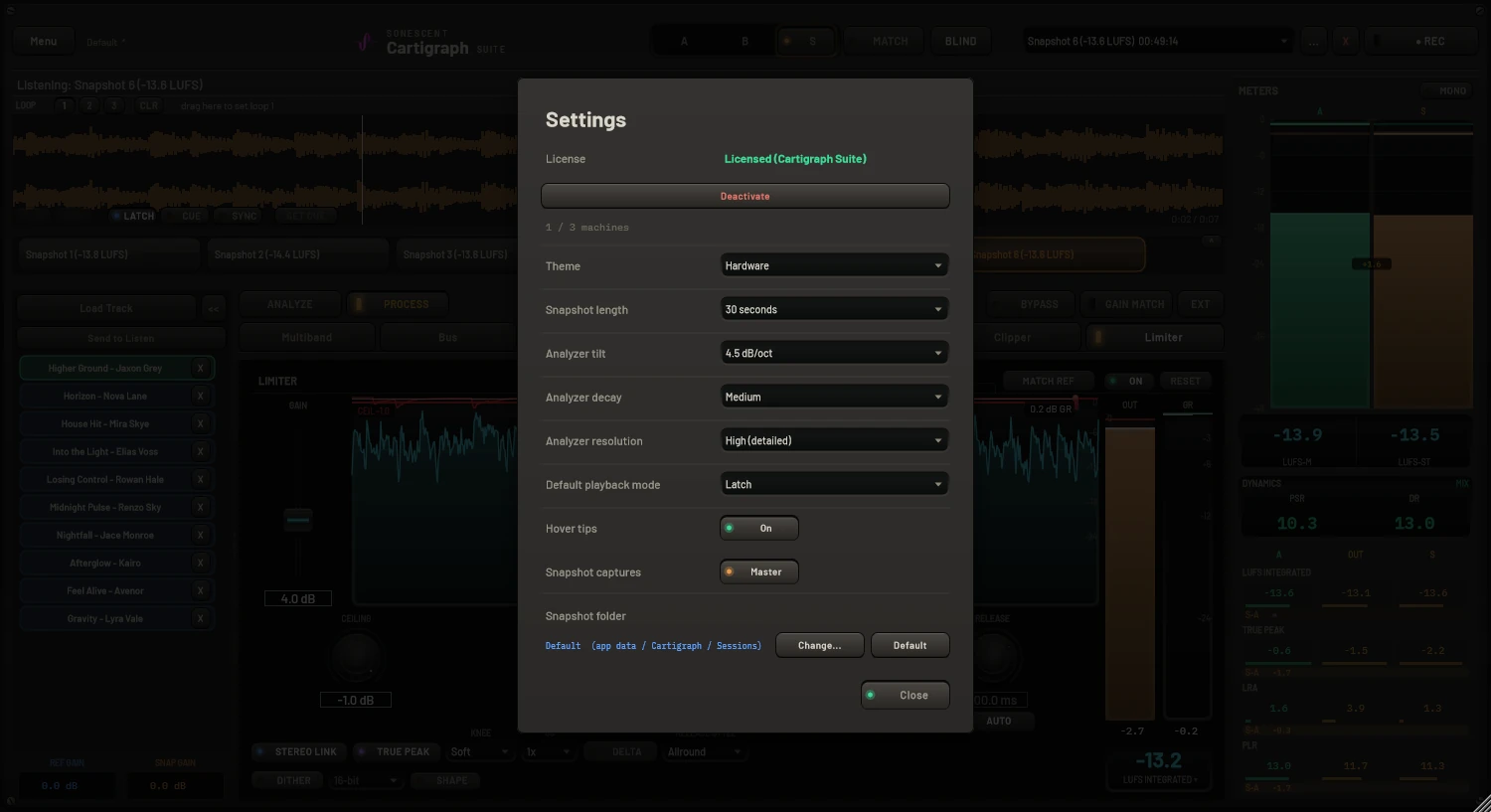
Licensing & settings
Manage your license, machine activations, and preferences from the in-plugin menu.
Try it on your next master
Full-feature 30-day trial, no account required.
Get Cartigraph · from $99